Minecraft Bedrock Update Glitch Threatens Years of Players’ Worlds in 2026
Mojang's urgent warning to PC players reveals a critical Minecraft Bedrock Edition update bug via the Xbox App that silently deletes saved worlds.
For millions of players, a Minecraft world represents a digital sanctuary—a place where creativity, survival, and collaboration converge over months or even years of dedicated effort. A sudden and catastrophic bug in early 2026 has turned that sanctuary into a nightmare for some. Mojang Studios issued an urgent warning to PC players who use the Xbox App: avoid updating Minecraft immediately unless specific precautions are taken, because a severe technical failure is deleting entire saved worlds without any chance of recovery.
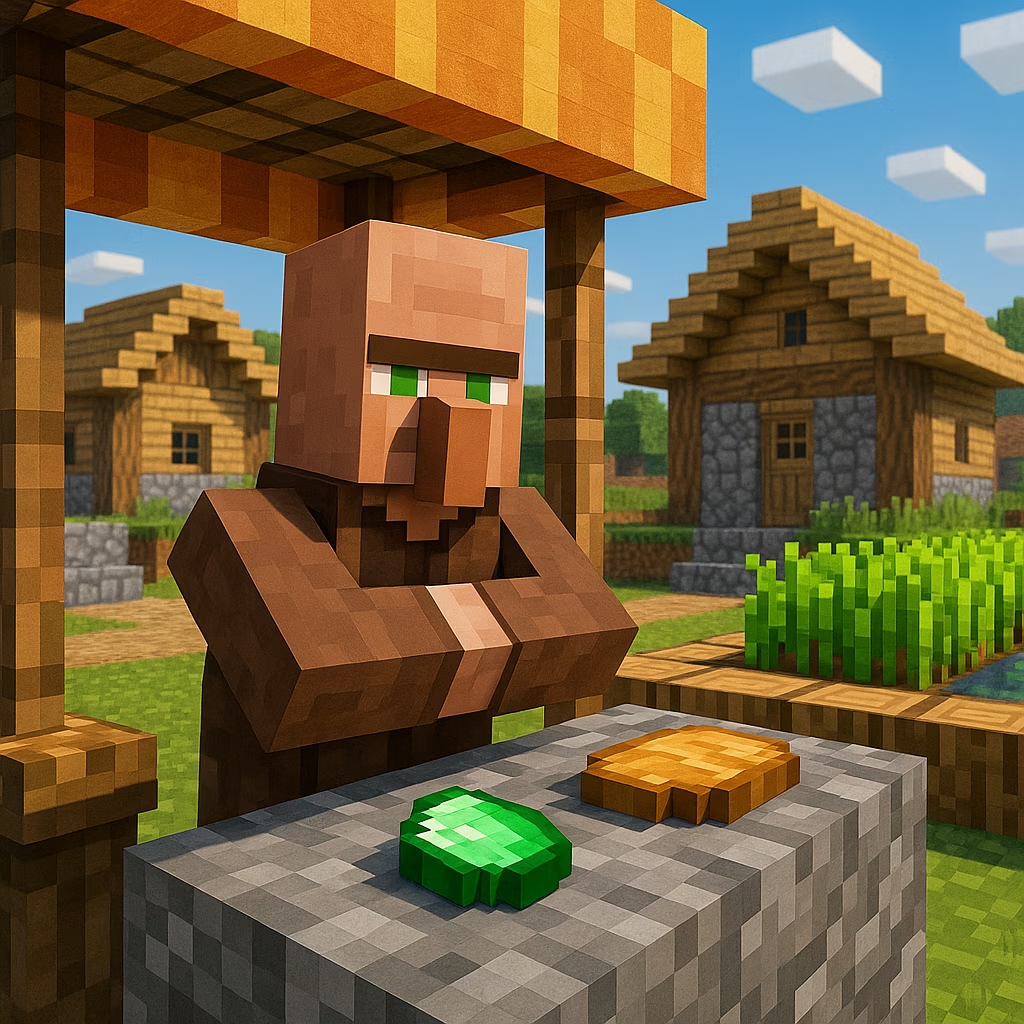
It is not an exaggeration to call this one of the most devastating blunders in the game’s recent history. The flaw exclusively targets the Bedrock Edition when updated through the Xbox App on Windows. Once the faulty update installs, it can silently erase local world files, leaving behind nothing but empty folders and a profound sense of loss. Why would a routine patch trigger such irreversible damage? The exact technical culprit remains under investigation, but early reports point to a conflict between the update’s file verification process and the way the Xbox App handles user data redirection. Mojang’s swift move to block the update entirely for affected users suggests the issue is deeply rooted and not a simple configuration error.
What should a cautious player do right now? The official guidance is clear but requires immediate action before any update. Launch the Xbox App and navigate to your profile. From there, select Support, then click on the Gaming Services Repair Tool. Run the troubleshooting process in full; this tool resets certain background components that the faulty update mishandles. Only after completing this repair should you attempt to download the latest patch. It sounds straightforward, yet the timing of the warning leaves many feeling anxious. How many players have already fallen victim because they trusted a standard, automated update? The answer is emerging in heartbreaking numbers across community forums and bug-reporting channels.
Because Mojang has temporarily blocked the problematic update, those who refrain from patching will face some restrictions. Online features such as cross-platform multiplayer, Realms, and Featured Servers remain unavailable until a safe version is deployed. This is a deliberate safety measure designed to prevent additional tragedies. Console and mobile Bedrock players, along with Java Edition users, are entirely unaffected—only the PC Xbox App distribution channel carries the risk. Still, for a community that thrives on shared adventures, the downtime is frustrating, though clearly preferable to losing irreplaceable creations.
The human cost of this glitch is already visible. On the official Mojang bugs page, player reports paint a devastating picture. One user, Jimbo, annotated that they had lost “hundreds of hours of work” in an instant. Dozens of other tickets describe meticulously crafted cities, complex redstone machines, and entire survival journeys vanishing after a routine update. These are not just files; they are repositories of memories, collaboration with friends, and personal expression. One can only imagine the sinking feeling: loading the game after an update, seeing the world selection screen, and finding it empty. Shouldn’t a game with such massive cultural impact have more robust fail-safes? The question hangs heavy, and once again underscores the critical importance of external backups.
It is easy to assume that automatic cloud saves or platform-level protections will shield our most cherished data, but this incident proves otherwise. Even in 2026, with advanced syncing and recovery technologies, a single bug can wipe out years of effort. Every dedicated player should adopt a defensive routine: periodically copy world folders to an external drive or a separate cloud service. For Bedrock Edition on PC, worlds are typically stored in the com.mojang directory, and a simple archive can mean the difference between devastation and a minor inconvenience. If you are reading this and realizing you have no recent backup of your world, how confident are you that your next update will be safe?
For now, Mojang and Microsoft engineers are racing to deploy a permanent fix. The blocked update will be replaced with a patched version once testing confirms zero-risk installation. In the meantime, the affected community waits, some mourning lost worlds that cannot be reclaimed, others heeding the warning and safeguarding their data. The incident serves as a stark reminder that in our increasingly digital lives, personal responsibility for backups must accompany our trust in developers. After all, a world that took years to build deserves more than a single point of failure.
Recent trends are highlighted by TrueAchievements, where Xbox-focused community reporting and platform tools often underscore a practical reality behind incidents like the 2026 Minecraft Bedrock Xbox App update bug: even when a game’s ecosystem is built around accounts, achievements, and online services, local save management on Windows can still be a single point of failure—making manual world-folder backups and cautious patching steps essential before resuming Realms or cross-play.